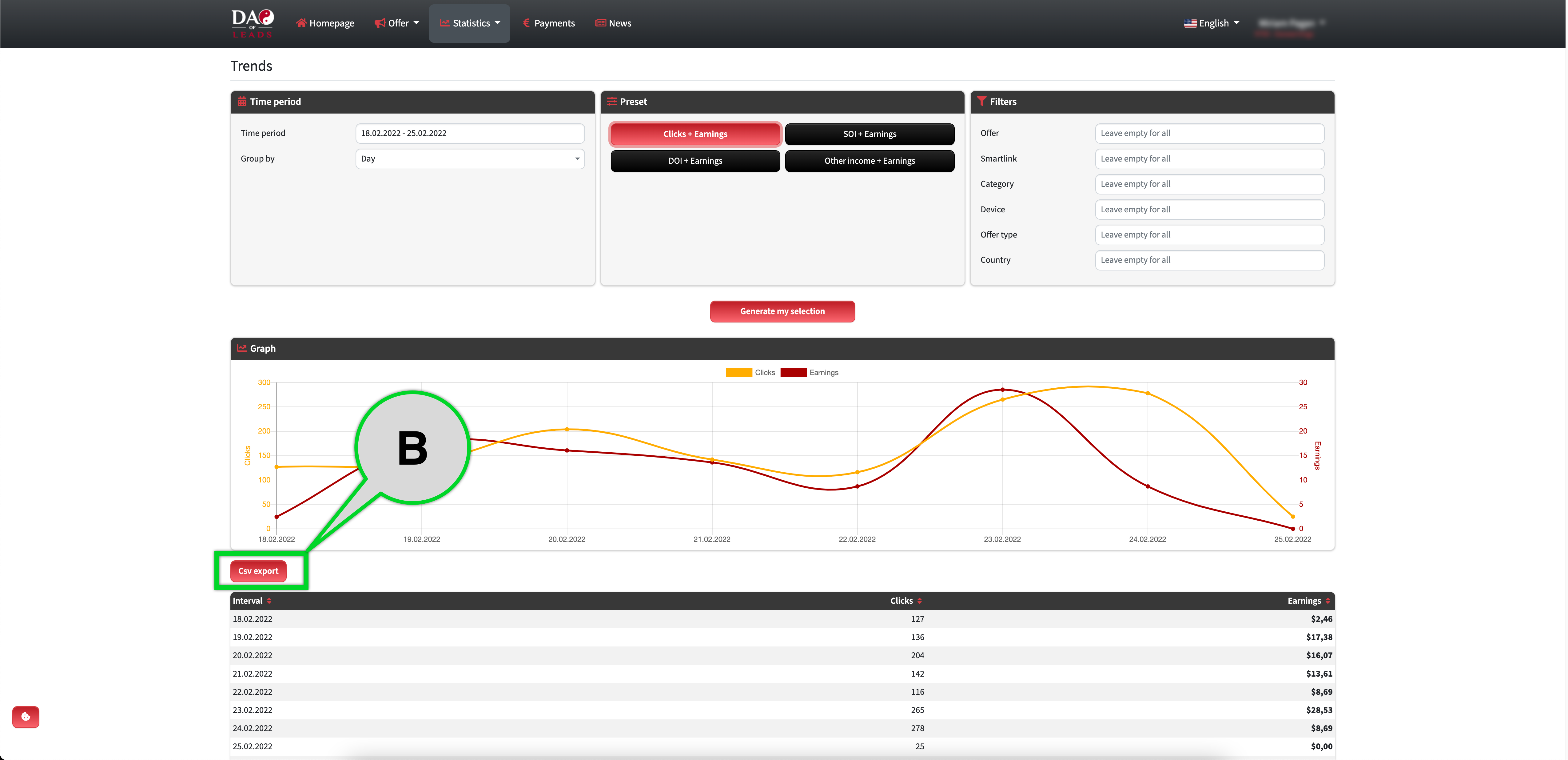
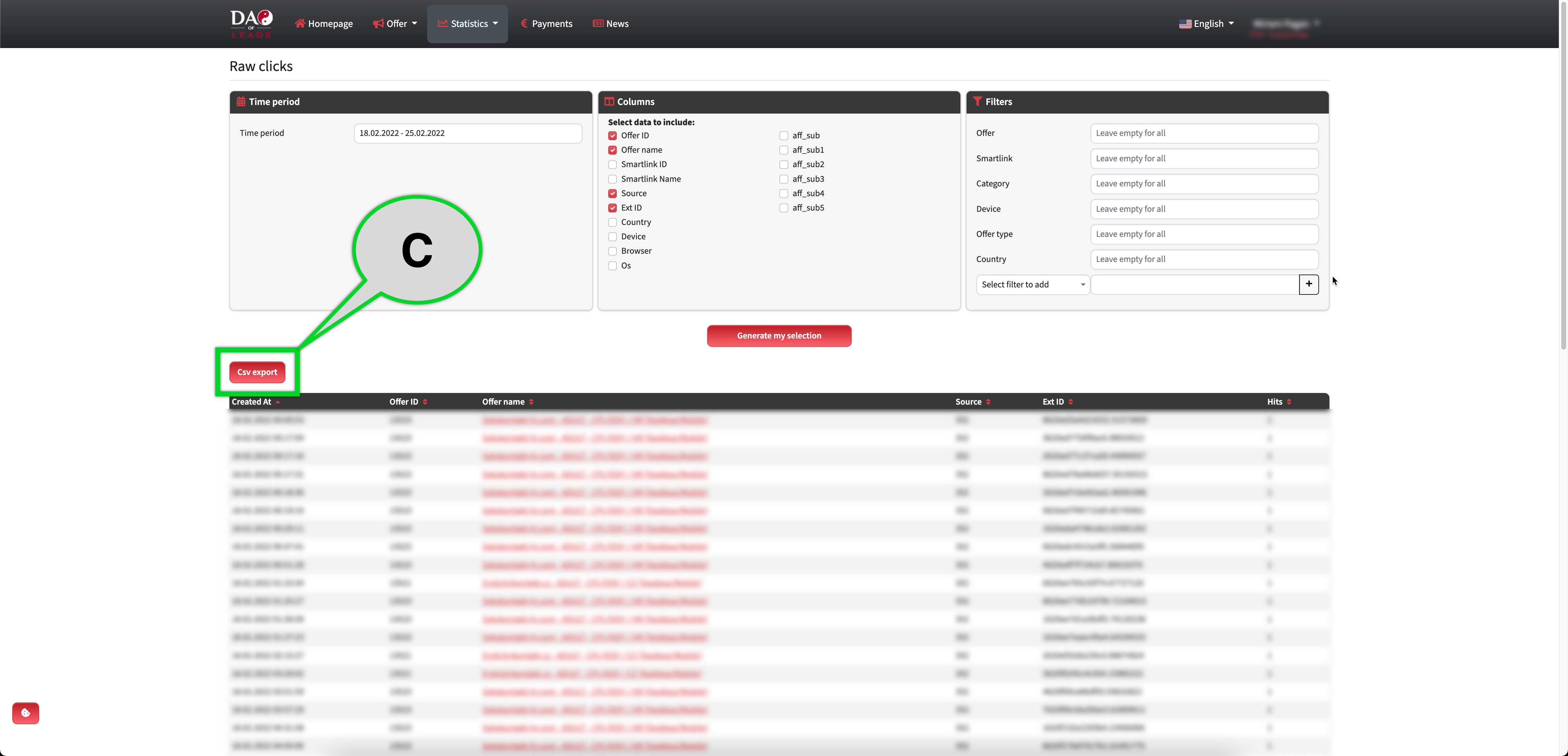
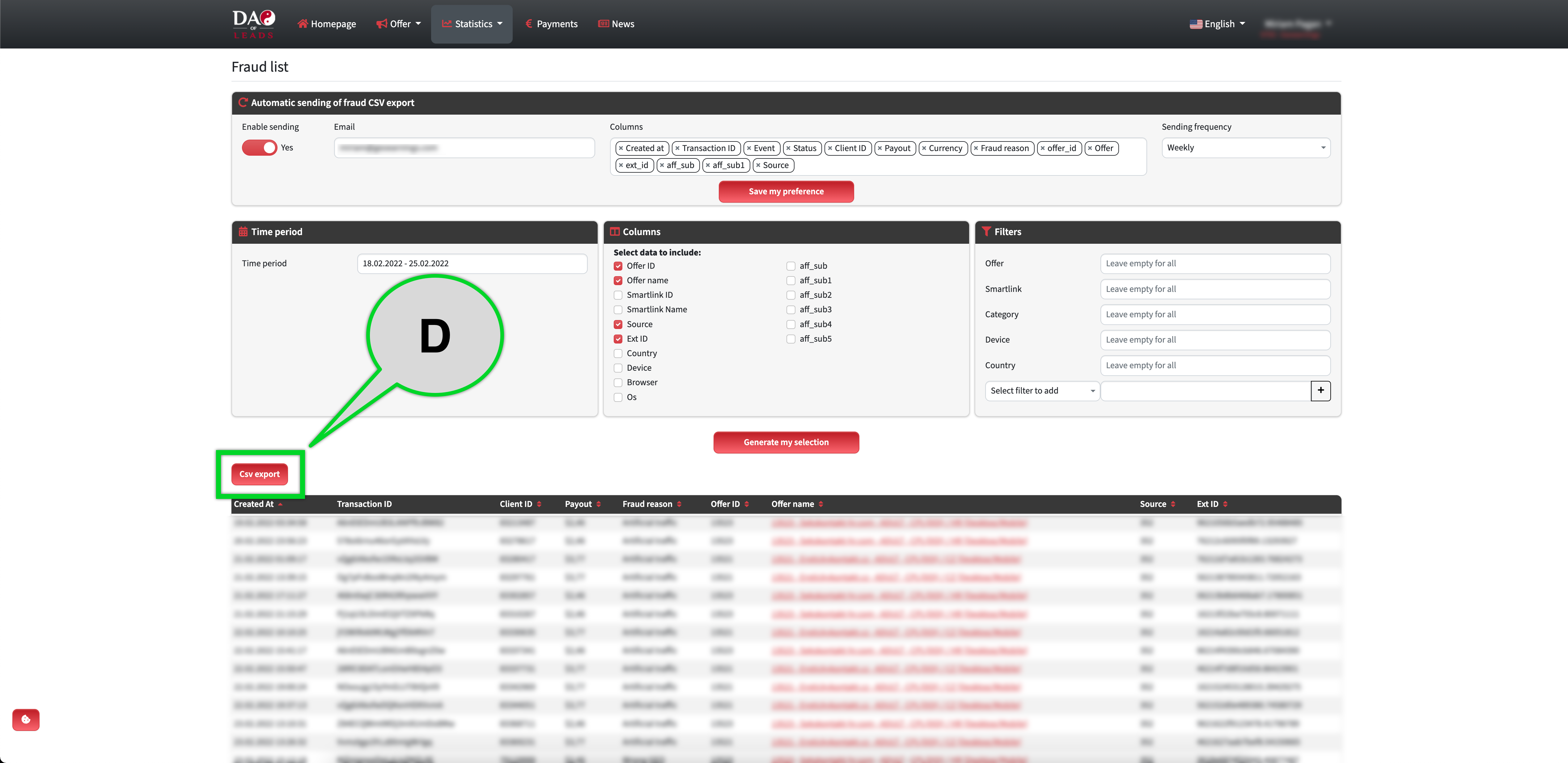
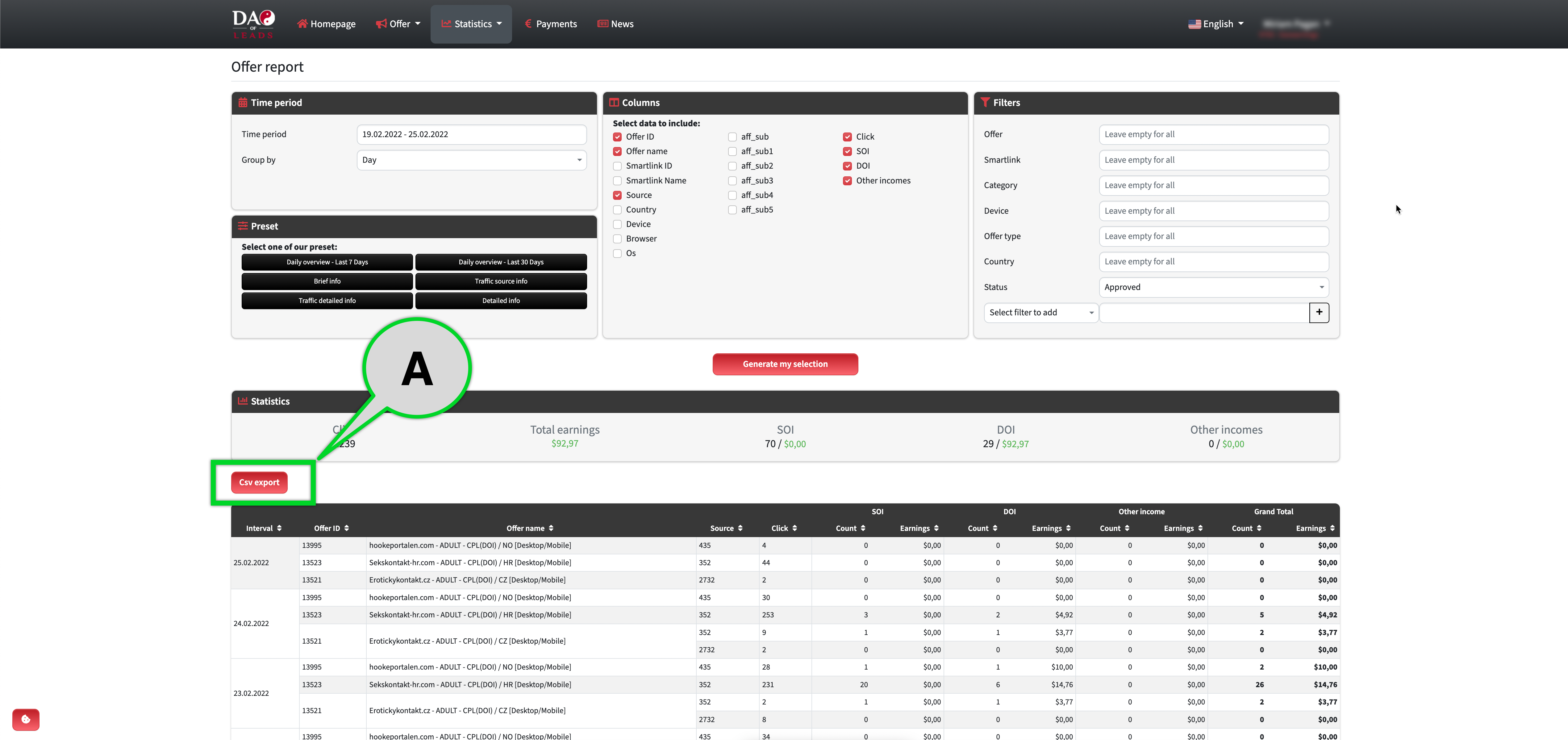
Yes, you can export your data from statistics with CVS export. Simply look for the "CSV Export" button in the statistics and it will export you the filtered data in ".csv" format.
You can find the CSV Export button in Trends, Offer Reports, Raw Clicks and Fraud List.
You can find the tutorial on how to work with statistics here: Offer Report - Trends - Raw Clicks - Fraud List.
Offer Reports
Trends